#ItelA26 #LCDRepair #DisplaySolution #MobileRepairing #ItelMobile #NoDisplay #HardwareRepair
Facing an itel A26 LCD problem with no display or light? In this video, we demonstrate the complete hardware diagnostic process to fix display issues on the itel A26 naturally.
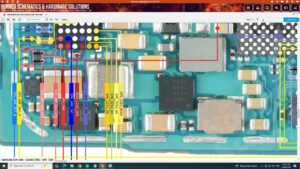
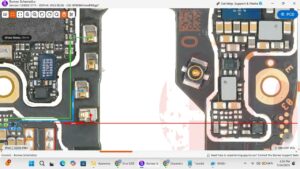
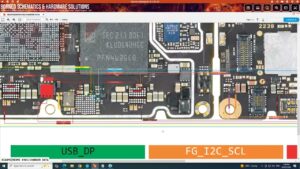
When your itel A26 has a black screen or no graphics, the issue is often in the display connector or the light IC circuit rather than the screen itself. We show you how to trace the LCD ways and apply precise jumper solutions to restore your display. Whether it's a water-damaged motherboard or a broken path, this step-by-step guide covers everything a professional technician needs to know.
🔧 Topics Covered:
Itel A26 display light section diagnosis.
Checking LCD connector pin voltages.
Identifying broken paths and jumper solutions.
Common display faults in itel A-series devices.
Professional tips for safe motherboard troubleshooting.
Disclaimer: This content is for educational and professional training purposes. Mobile hardware repair should be performed by trained technicians using the correct tools to avoid device damage
itel a26 lcd problem, itel a26 display light solution, itel a26 no display fix, itel a26 lcd ways, itel a26 display connector jumper, itel a26 white screen solution, itel a26 graphical problem, itel mobile light ic repair, mobile lcd repair training, smartphone hardware troubleshooting, itel a26 motherboard repair, dead display solution, how to fix itel a26 screen light