#vivox200pro #powerbutton #volumekeys #mobilerepair #phonerepair #hardwarerepair #smartphonerepair
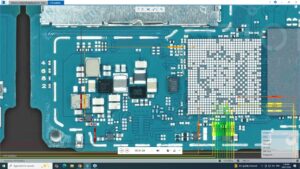
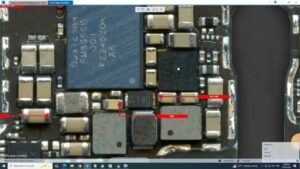
Is your Vivo X200 Pro power button or volume keys not working? This video shows the complete Vivo X200 Pro On Off Volume Keys Solution with professional hardware troubleshooting and board-level repair methods.
Learn how to diagnose and repair the Vivo X200 Pro power key, volume up button, volume down button, and on/off key not working issue using systematic hardware testing. This guide is ideal for mobile repair technicians, repair shops, and electronics professionals.
In This Video:
Vivo X200 Pro On Off Volume Keys Solution
Power Button Not Working Fix
Volume Up Button Repair
Volume Down Button Repair
Side Key Flex Cable Inspection
Power Key Circuit Diagnosis
Motherboard Hardware Troubleshooting
PCB Line Testing
Mobile Repair Training
This repair tutorial is created for professional technicians and smartphone repair enthusiasts in USA, UK, Canada, Australia, Germany, and worldwide. The repair process follows safe hardware diagnostic practices suitable for long-term maintenance and servicing.
If this video helps you, please Like, Share, Subscribe, and enable notifications for more advanced mobile hardware repair solutions.
vivo x200 pro on off volume keys solution, vivo x200 pro power button not working, vivo x200 pro volume button not working, vivo x200 pro on off key solution, vivo x200 pro power key repair, vivo x200 pro volume keys repair, vivo x200 pro side key fix, vivo x200 pro hardware repair, vivo x200 pro motherboard repair, vivo x200 pro pcb repair, vivo x200 pro button solution, vivo x200 pro mobile repair, vivo x200 pro technician guide, smartphone hardware repair, android phone repair, phone button repair, mobile repairing tutorial, board level repair, mobile technician, power key circuit repair