InfinixHot50ProPlus #NetworkSolution #NoServiceFix #MobileRepairing #SignalRepair #InfinixRepair #HardwareRepair
Is your Infinix Hot 50 Pro Plus showing No Service, Emergency Calls Only, or weak signal strength? In this professional hardware repair tutorial, we show you the complete diagnostic and repair process for Infinix Hot 50 Pro+ network issues.
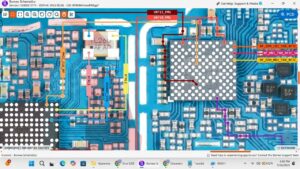
We dive deep into the motherboard to check the Network IC, WTR, and Power Amplifier (PA) supply voltages. This step-by-step guide covers antenna switch tracking, network jumper ways, and IC replacement techniques used by expert technicians in the USA, UK, Canada, and Australia. If your phone has a "radio off" issue or signal dropping problems, this mobile repairing course style video provides a 100% working solution.
Technical Troubleshooting Covered:
Infinix Hot 50 Pro Plus No Service hardware solution
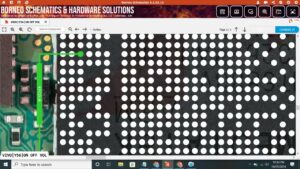
Network IC (WTR/SDR) voltage testing
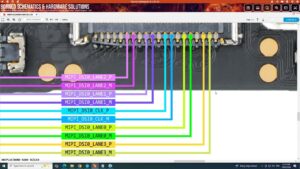
Antenna wire and signal pad jumper ways
Fixing Emergency Calls Only on Infinix devices
4G/5G signal stability troubleshooting
Professional Repair Standards:
High-precision soldering for Network IC
RF section diagnostic using Multimeter
Safe motherboard handling and shielding removal
Subscribe to Sanyo Mobile for the latest smartphone hardware repairs and technical SEO guides for technicians.
infinix hot 50 pro plus network solution, infinix hot 50 pro plus no service fix, infinix hot 50 pro plus emergency call only, infinix hot 50 pro plus network ic ways, infinix hot 50 pro plus signal repair, infinix network jumper solution, mobile repairing course, infinix hot 50 pro plus antenna ways, how to fix infinix network problem, wtr ic replacement infinix, infinix hot 50 pro plus 4g 5g signal fix, smartphone hardware repair