Is your Poco X7 touch screen completely dead or responding incorrectly? Frustrated with ghost touches, unresponsive display, or partial touch failure?
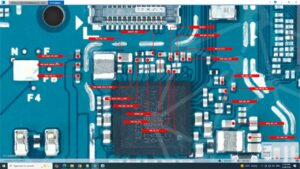
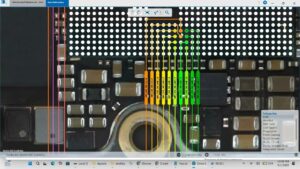
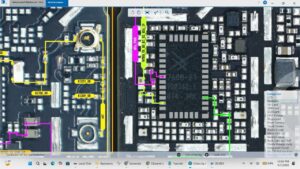
This video delivers the complete Poco X7 touch not working solution with a detailed hardware and software repair walkthrough. Whether the issue is caused by a damaged LCD, faulty touch IC, or a loose connector on the motherboard, this guide covers every possible fix.
📱 Compatible Models:
Poco X7, Poco X7 Pro, Poco X6, Poco X6 Pro, Redmi Note 13 Pro, Redmi Note 14
Problems Solved:
✔ Poco X7 touch screen completely unresponsive
✔ Ghost touch or random screen tapping issue
✔ Touch working partially on one side only
✔ Touch stopped working after drop or water damage
✔ Touch IC fault on motherboard level
Tools & Parts Used:
🔧 Poco X7 LCD & Touch Digitizer Assembly
🔧 Touch IC Reballing Kit
🔧 Soldering Iron & Flux
🔧 Screwdriver Set & Plastic Spudger
🔔 Subscribe to SANYO MOBILE for daily mobile repair solutions!
Related Searches:
poco x7 touch not working solution
poco x7 touch screen repair
poco x7 touch ic solution
poco x7 ghost touch fix
poco x7 lcd touch replacement
poco x7 touch unresponsive solution
poco x7 motherboard touch fault fix
poco x7 display touch repair guide
#PocoX7 #PocoX7Touch #TouchNotWorking #PocoX7Repair #TouchScreenSolution #PocoX7Fix #GhostTouchFix #LCDRepair #TouchICSolution #MobileRepair #PhoneRepair #PocoRepair #ScreenRepair #PocoX7Solution #SanyoMobile
Mobile • Screen Solution