#SamsungA26 #DeadSolution #MobileRepairing #MotherboardRepair #SamsungGalaxy #PowerIC #VoltageTesting
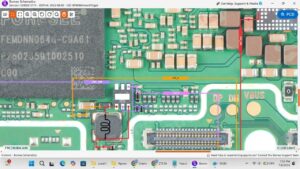
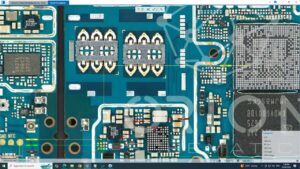
Is your Samsung Galaxy A26 5G dead and not turning on? In this advanced hardware tutorial, we provide a complete Samsung A26 5G dead solution by analyzing essential input and output voltages.
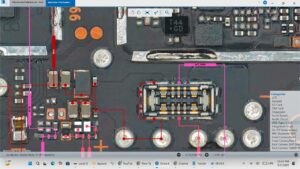
If your device is showing 0.0A on the USB tester or is stuck on a boot loop, this step-by-step guide covers motherboard diagnostics, VPH_PWR testing, and LDO output voltage checks. We use professional schematics and multimeters to demonstrate high-level repair standards used in the USA, UK, Canada, and Australia to recover dead mobile phones.
This Samsung Galaxy A26 motherboard repair video is optimized for professional technicians focusing on high-success hardware recovery. We deep dive into the Power IC (PMIC), CPU buck voltages, and charging circuit paths to identify why your Samsung A26 5G has no power.
Key Technical Details Covered:
Samsung Galaxy A26 5G dead phone troubleshooting
Testing V-BAT and V-BUS input voltages
Checking Power IC output (LDO & Buck) sequences
Samsung A26 5G short circuit detection and removal
Professional motherboard tracing for dead Samsung A-series
For more advanced mobile repairing courses and daily hardware solutions from Sanyo Mobile, make sure to subscribe and hit the bell icon.
samsung a26 5g dead solution, samsung galaxy a26 dead fix, samsung a26 5g power ic problem, samsung a26 input output voltages, samsung a26 5g motherboard repair, samsung a26 dead recovery, how to fix dead samsung a26 5g, samsung a26 buck voltage testing, samsung a26 5g power sequence, samsung a26 short circuit solution, mobile repairing tutorial, samsung a26 not turning on, samsung a26 5g dead ways, professional smartphone repair
#SamsungA26_5G #DeadRecovery #MotherboardFix #SanyoMobile #PowerIC #MobileTechnician #SmartphoneHardware #VoltageTesting