#SamsungJ6 #PowerButtonRepair #SamsungJ6Plus #VolumeButtonFix #MobileRepairing #HardwareSolution #TechRepair
Is your Samsung Galaxy J6 power button stuck or are the volume keys not responding? In this professional hardware repair guide, we show you the step-by-step diagnostic and jumper solution to fix Samsung J6 on-off button issues instantly.
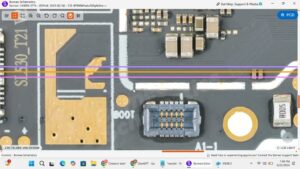
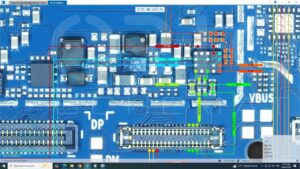
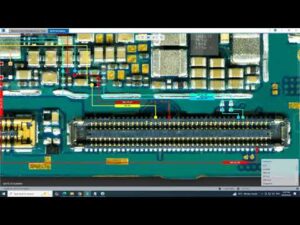
This Samsung J600 power key ways jumper solution is designed for technicians and DIY users facing unresponsive hardware buttons. If your Samsung J6 is not turning on or the volume up-down keys are disconnected, follow this schematic-based repair logic. We cover everything from the internal flex cable replacement to motherboard soldering points for a permanent fix.
Global Repair Topics Covered:
Samsung J6 Plus power button not working solution
SM-J600F on off volume key ways jumper
How to restart Samsung J6 without power button
Professional mobile hardware repair techniques (USA, UK, Canada standards)
Samsung Galaxy J6 series motherboard button track repair
Tools Used: Precision soldering iron, Multimeter, Jumper wire, and Tweezers.
samsung j6 on off volume keys, samsung j6 power button not working, samsung j6 plus volume button fix, sm-j600 power key jumper, samsung j6 on off switch replacement, samsung galaxy j6 volume button ways, samsung j600f power button solution, how to fix samsung j6 power button, samsung j6 volume keys repair, mobile hardware repairing, samsung j6 power button flex cable, samsung j6 power button jumper points