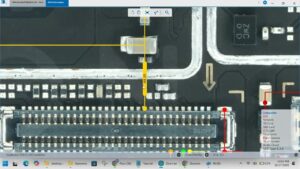
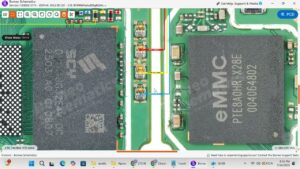
Is your Tecno Pova 7 Pro display showing a black screen, lines, or touch not responding? Did your LCD stop working after a drop, pressure, or screen replacement?
This video provides the complete Tecno Pova 7 Pro LCD problem solution with full motherboard-level diagnosis and repair. We cover dead display, touch failure, LCD lines, flickering, and white screen issues with exact IC ways and jumper points for a permanent fix.
📱 Compatible Models:
Tecno Pova 7 Pro, Tecno Pova 7, Tecno Pova 6 Pro, Tecno Spark 30 Pro, Tecno Camon 30
Problems Solved:
✔ LCD display completely dead or black screen
✔ Touch screen not responding or ghost touch
✔ Display showing lines or flickering
✔ White screen after drop or replacement
✔ LCD connector damaged or shorted on motherboard
Tools & Parts Used:
🔧 DC Power Supply
🔧 Hot Air Rework Station
🔧 Multimeter
🔧 LCD Connector & Display IC
🔔 Subscribe to SANYO MOBILE for daily mobile repair solutions — 100% FREE!
Related Searches:
tecno pova 7 pro lcd problem solution
tecno pova 7 pro display not working fix
tecno pova 7 pro black screen solution
tecno pova 7 pro touch not working solution
tecno pova 7 pro lcd ic jumper ways
tecno pova 7 pro display lines fix
tecno pova 7 pro motherboard lcd repair
tecno pova 7 pro screen replacement problem solution
#TecnoPova7Pro #LCDProblemSolution #DisplayFix #TecnoRepair #TouchNotWorking #BlackScreenSolution #MobileRepair #MotherboardRepair #LCDRepair #Pova7ProFix #DisplaySolution #TecnoDisplay #ICJumper #ScreenRepair #SanyoMobile
Tecno • LCD Solution