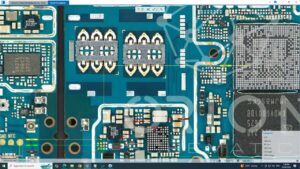
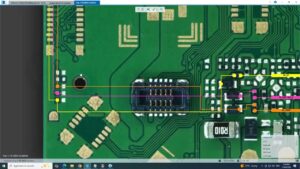
#ztebladev60 #deadsolution #powerrepair #mobilerepair #phonerepair #hardwarerepair #technician
ZTE Blade V60 completely dead? Watch this complete input and output voltage troubleshooting solution to diagnose and repair power-related faults step by step.
Learn how to check input voltage, output voltage, power lines, and motherboard faults on ZTE Blade V60 using professional mobile hardware repair techniques.
In this video:
✔ ZTE Blade V60 dead solution
✔ Input voltage testing
✔ Output voltage diagnosis
✔ Power line troubleshooting
✔ Mobile hardware repair methods
✔ Professional technician repair workflow
This repair tutorial is designed for mobile technicians, repair centers, and hardware learners in USA, UK, Canada, Australia, Germany, and worldwide.
Topics covered:
ZTE Blade V60 input output voltages dead solution, power line repair, dead phone troubleshooting, voltage testing, motherboard diagnosis, smartphone repair, mobile hardware repair, technician training, board-level diagnosis, circuit testing, power repair solution.
Watch till the end for a complete repair process and practical troubleshooting techniques used by professional technicians
zte blade v60 input output voltages dead solution, zte blade v60 dead solution, zte blade v60 no power fix, zte blade v60 voltage testing, zte blade v60 motherboard repair, zte blade v60 power line repair, dead phone repair, input voltage check, output voltage diagnosis, power circuit repair, mobile repair, phone repair, smartphone repair, hardware repair, mobile technician, mobile servicing, circuit troubleshooting, motherboard troubleshooting, power repair solution, repair technician