#MotorolaG30 #PowerButtonFix #VolumeKeys #MotoRepair #MobileRepairing #SanyoMobile #HardwareSolution
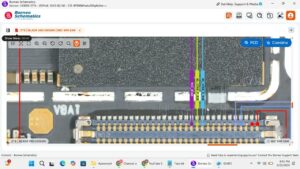
Is your Motorola Moto G30 power button not working or are the volume keys stuck? In this professional hardware repair tutorial, we show you the exact Moto G30 on-off and volume key jumper solution and flex replacement process.
If your device is auto-restarting, stuck in fastboot mode, or the side buttons have no click feel, this step-by-step diagnostic video will help you fix the fault. We cover cleaning the internal switches, testing continuity, and replacing the side key flex cable to ensure a 100% working repair for the Moto G30 series
Motorola Moto G30 power switch soldering and replacement (USA/UK Standards)
Moto G30 volume up/down button jumper ways
Fixing "Auto Recovery" or "Stuck on Logo" caused by bad buttons
Professional disassembly and flex cable installation (Canada/Australia/Germany)
#SmartphoneRepair #MotoG30 #SideKeysFix #HardwareSolution #SanyoMobile #techrepair
motorola g30 power button not working, motorola g30 volume button solution, moto g30 on off key ways, moto g30 volume up down jumper, moto g30 power flex replacement, how to fix motorola g30 side keys, moto g30 power button repair, motorola g30 stuck on fastboot mode, motorola g30 auto restart problem, sanyo mobile, mobile repairing course, motorola hardware repair, moto g30 side button strip replacement, smartphone button repair