#SamsungA36 #WiFiRepair #BluetoothFix #GPSProblem #MobileRepairing #HardwareSolution #SamsungGalaxy
Is your Samsung Galaxy A36 WiFi and Bluetooth greyed out or not connecting? This professional hardware repair guide covers the complete solution for WiFi, Bluetooth, and GPS signal issues.
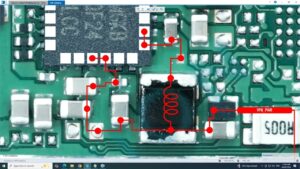
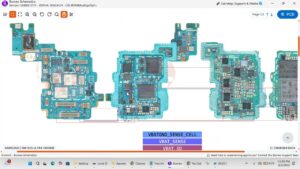
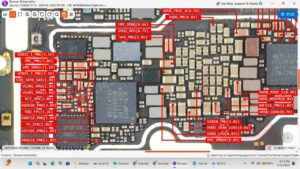
In this technical tutorial, we demonstrate the Samsung A36 WiFi IC diagnostic and Bluetooth antenna track repair. Whether you are facing weak GPS signals or a completely unresponsive WiFi toggle, we show you the professional way to troubleshoot the motherboard. This video is highly recommended for technicians in the USA, UK, Canada, Australia, and Germany looking for advanced Samsung A series hardware schematics. We cover voltage checking, IC reballing, and jumper ways to ensure a 100% permanent fix for connectivity problems.
Technical Highlights:
Samsung A36 WiFi IC Identification & Replacement
Bluetooth Signal Weak/Not Working Solution
GPS Antenna Jumper & Track Ways
WiFi/Bluetooth Module Voltage Testing
Advanced Motherboard Troubleshooting Logic
samsung a36 wifi not working, samsung a36 bluetooth solution, samsung a36 gps signal fix, samsung a36 wifi bluetooth greyed out, samsung a36 wifi ic ways, samsung a36 bluetooth ic jumper, samsung a36 wifi antenna repair, samsung a36 gps ways, how to fix samsung a36 wifi problem, samsung a36 motherboard repair, samsung galaxy a36 hardware repair, mobile repairing course.