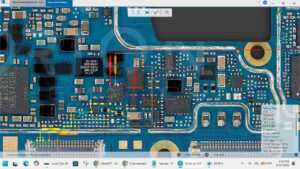
Is your Samsung Galaxy S9+ completely dead with no input or output voltage? Not charging and showing zero current on the power supply?
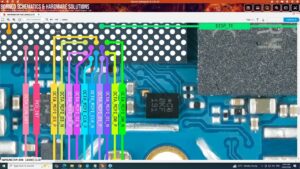
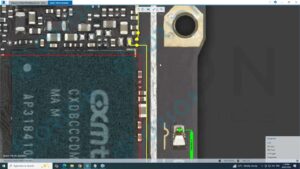
Samsung Galaxy S9+ dead solution starts with checking input output voltages on the motherboard. In this video, we diagnose and fix the Samsung S9+ dead phone problem by testing key voltage points, identifying faulty ICs, and resolving short circuits on the board.
📱 Compatible Models:
Samsung Galaxy S9+ / S9 Plus (SM-G965F, SM-G965U, SM-G965N, SM-G960F)
✔ Samsung S9+ completely dead no power
✔ No input output voltage on motherboard
✔ Charging IC failure causing dead board
✔ Short circuit on power rail solution
✔ CPU power IC & PMIC voltage fault fix
🔧 DC Power Supply (Regulated)
🔧 Digital Multimeter
🔧 Hot Air Rework Station
🔧 Samsung S9+ Schematics & Boardview
🔧 Flux, Soldering Iron & BGA Reballing Kit
🔔 Subscribe to SANYO MOBILE for daily mobile repair solutions and motherboard-level fixes!
🔍 Related Searches:
Samsung S9+ dead solution
Samsung Galaxy S9 Plus no power fix
SM-G965F input output voltage test
Samsung S9+ charging IC replacement
Samsung S9+ PMIC short circuit fix
Samsung S9 Plus motherboard repair
Samsung S9+ dead board voltage points
Samsung Galaxy S9+ not turning on solution
#SamsungS9Plus #SamsungDeadSolution #S9PlusFix #InputOutputVoltage #MobileRepair #MotherboardRepair #SamsungRepair #ChargingICFix #PMICRepair #SMG965F #DeadPhoneSolution #BoardLevelRepair #SamsungS9Repair #MobileTechnician #SanyoMobile
Samsung • Repair Solution