#VivoV50Lite #TouchScreenProblem #VivoRepair #TouchNotWorking #VivoV50Lite4G #MobileRepairing #HardwareSolution
Is your Vivo V50 Lite 4G touch screen not working or behaving erratically? Watch this step-by-step hardware solution to fix all touch-related issues on your device.
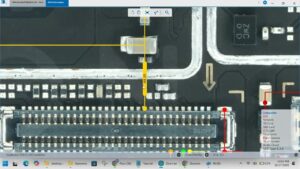
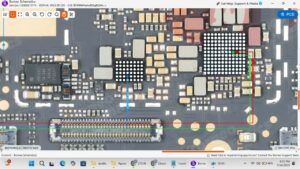
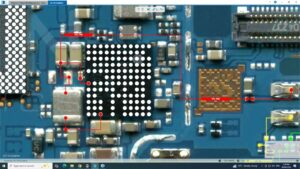
In this technical guide, we troubleshoot the Vivo V50 Lite 4G touch screen problem, covering everything from simple flex cable adjustments to advanced touch IC diagnostics. Whether your screen is frozen, experiencing ghost touch, or is completely unresponsive to touch input, we provide a 100% working solution. We delve into the Vivo V50 Lite 4G display connector pinout and show you how to identify motherboard issues that cause touch failure.
Key Fixes Covered in This Video:
Cleaning the Vivo V50 Lite 4G LCD connector for better contact.
Checking the touch supply voltage (VGP) on the motherboard.
Safe disassembly and reassembly of the Vivo V50 series.
Testing a new touch digitizer before final installation.
Repair Tools Recommended: Professional Multimeter, Micro-soldering iron, and T-7000 adhesive.
vivo v50 lite 4g touch screen problem, vivo v50 lite 4g touch not working, vivo v50 lite 4g touch hang solution, vivo v50 lite 4g touch glass change, vivo v50 lite 4g display light solution, how to fix vivo v50 lite touch, vivo v50 lite 4g hardware repair, vivo v50 lite 4g touch ways, mobile repairing tutorial 2026