#SamsungA23 #ChargingPortRepair #SamsungRepair #SubBoard #SamsungA23Fix #MobileRepair #TechRepair
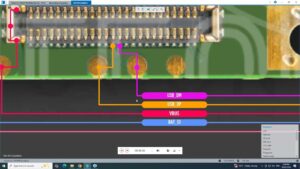
Samsung A23 not charging or microphone not working? In this video, we show you the step-by-step process to replace the Samsung A23 sub board and restore your phone to 100% functionality.
Is your Samsung Galaxy A23 (SM-A235F, SM-A236B) failing to charge or connect to your PC? This professional repair tutorial covers the complete replacement of the charging port PCB (sub board). This common hardware failure often causes slow charging, "moisture detected" errors, or total power failure. We provide a high-quality technician walkthrough suitable for DIY enthusiasts and professional repair shops in the USA, UK, Canada, and Australia.
What you will learn in this technical guide:
How to safely open the Samsung Galaxy A23 4G/5G.
Identifying a faulty Samsung A23 sub board (Charging Flex).
Removing the original USB-C dock connector and microphone module.
Installing a premium OEM-quality Samsung A23 charging board.
Testing fast charging and data sync after the repair.
Common Issues Fixed by this Repair:
Phone not charging when plugged in.
Loose or broken USB-C port.
Microphone not working during calls.
Slow charging or "Check Charger" notifications.
No signal (network antenna is located on the sub board)
samsung a23 sub board, samsung a23 charging port replacement, samsung galaxy a23 repair, samsung a23 not charging fix, samsung a23 charging board pcb, sm-a235f charging port, samsung a23 5g sub board replacement, how to fix samsung a23 charging port, samsung a23 microphone repair, samsung a23 usb dock connector, galaxy a23 charging flex cable, samsung a23 motherboard repair, cell phone repair training, samsung galaxy a23 teardown, samsung a23 parts replacement