Samsung · Repair
Realme · Charging
Realme X7 Max Charging Problem Solution | Not Charging, Slow Charging & Dead Port Fixed
If your Realme is facing a charging problem, this step-by-step hardware repair guide covers the complete solution. Watch the video above for the full visual walkthrough.
Problems This Guide Fixes
- Realme X7 Max not charging at all
- Charging slowly / very slow charge
- Charging symbol showing but battery not increasing
- Fast charging / Dart Charge not working
- Phone charges then stops repeatedly
- Charging port loose or not detecting cable
- Phone overheating while charging
- Water/moisture detected error — charging blocked
- Dead phone not turning on while plugged in
- USB port damaged — repair & replacement guide
📱 More Realme repair guides: View all Realme solutions →
Related Guides
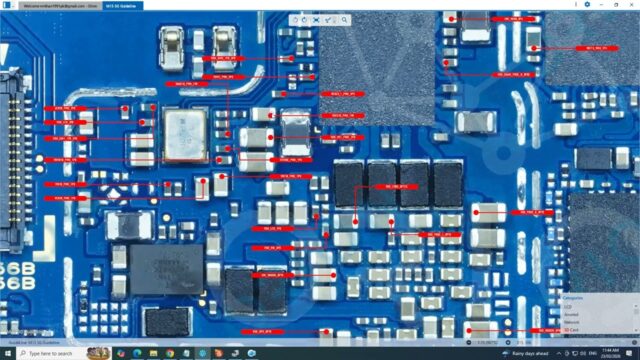
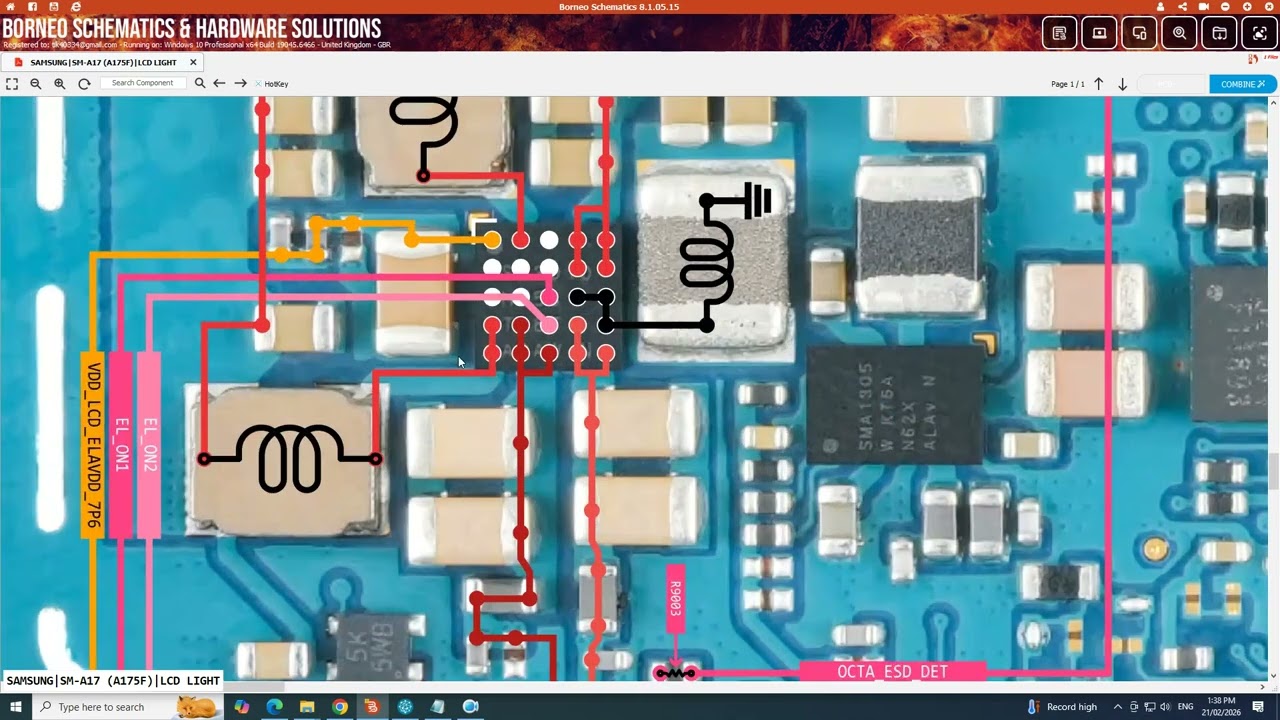
Samsung · Backlight
Samsung A17 LCD Light Solution | Display Backlight Problem Fix
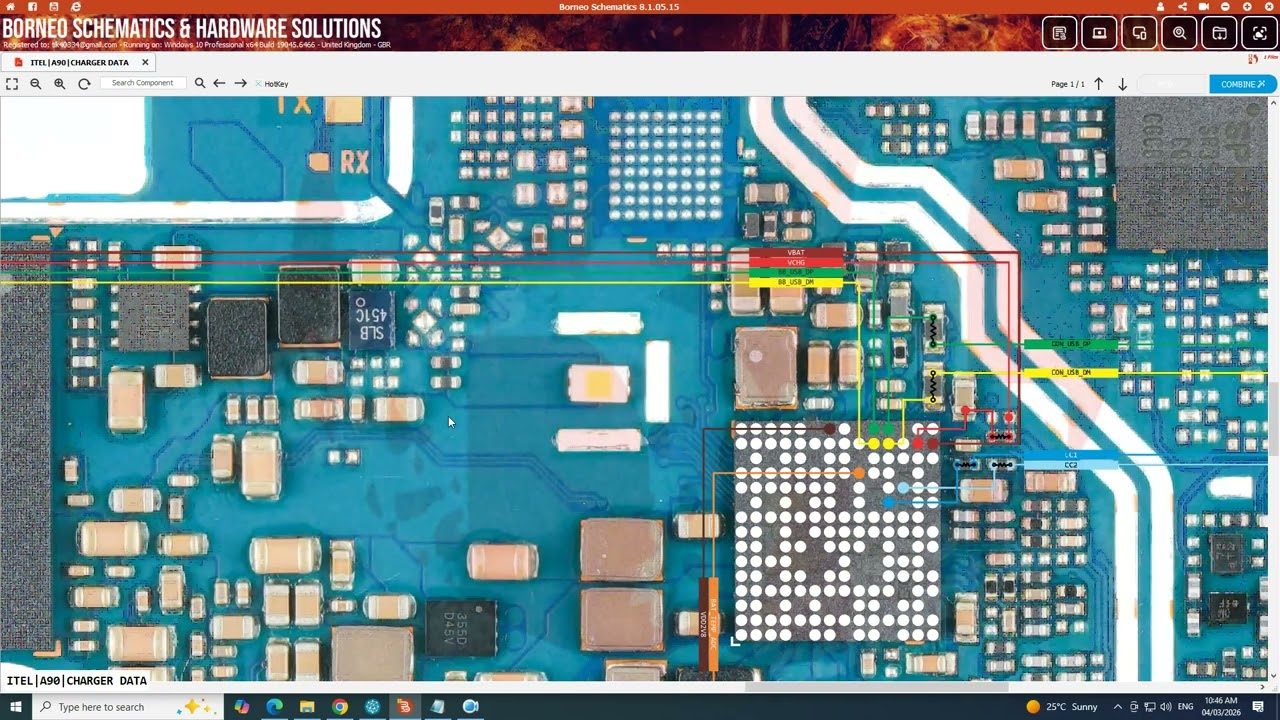
Itel · Charging
itel a90 Charging Problem Solution | itel a90 Charging Ways & Not Charging Fix 2026

Vivo · Backlight
Vivo T3 Lite LCD Light Solution | Display Backlight Repair Fix
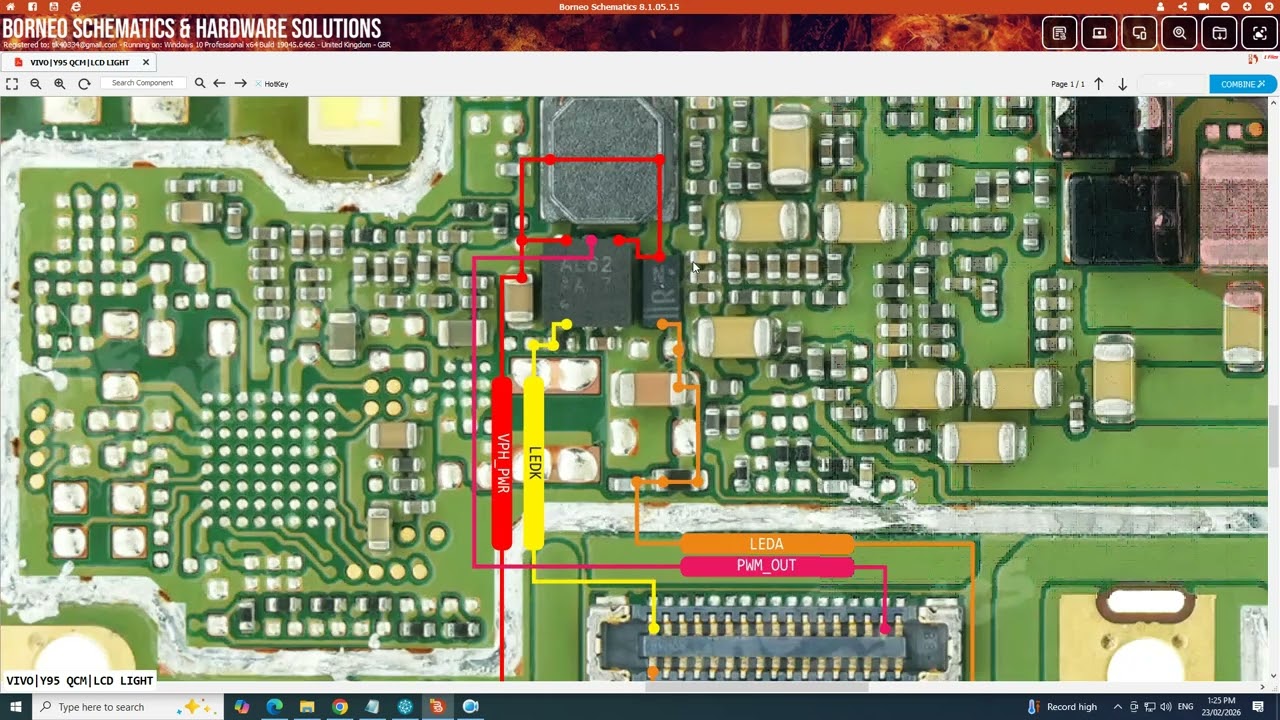
Vivo · Backlight
Vivo Y95 LCD Light Problem Solution | Display Backlight Repair Guide
Samsung · Power